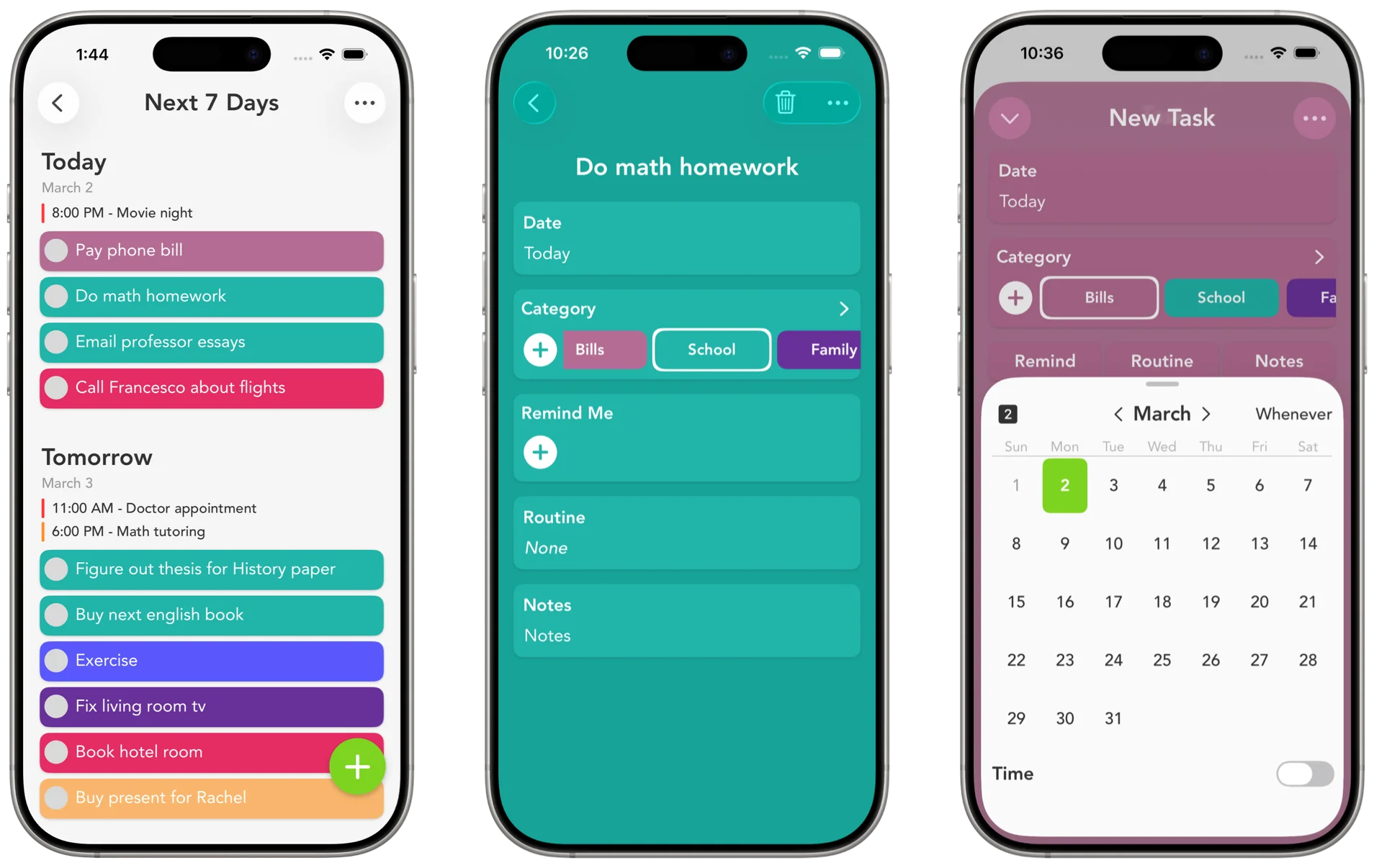
Plans meet to-dos.
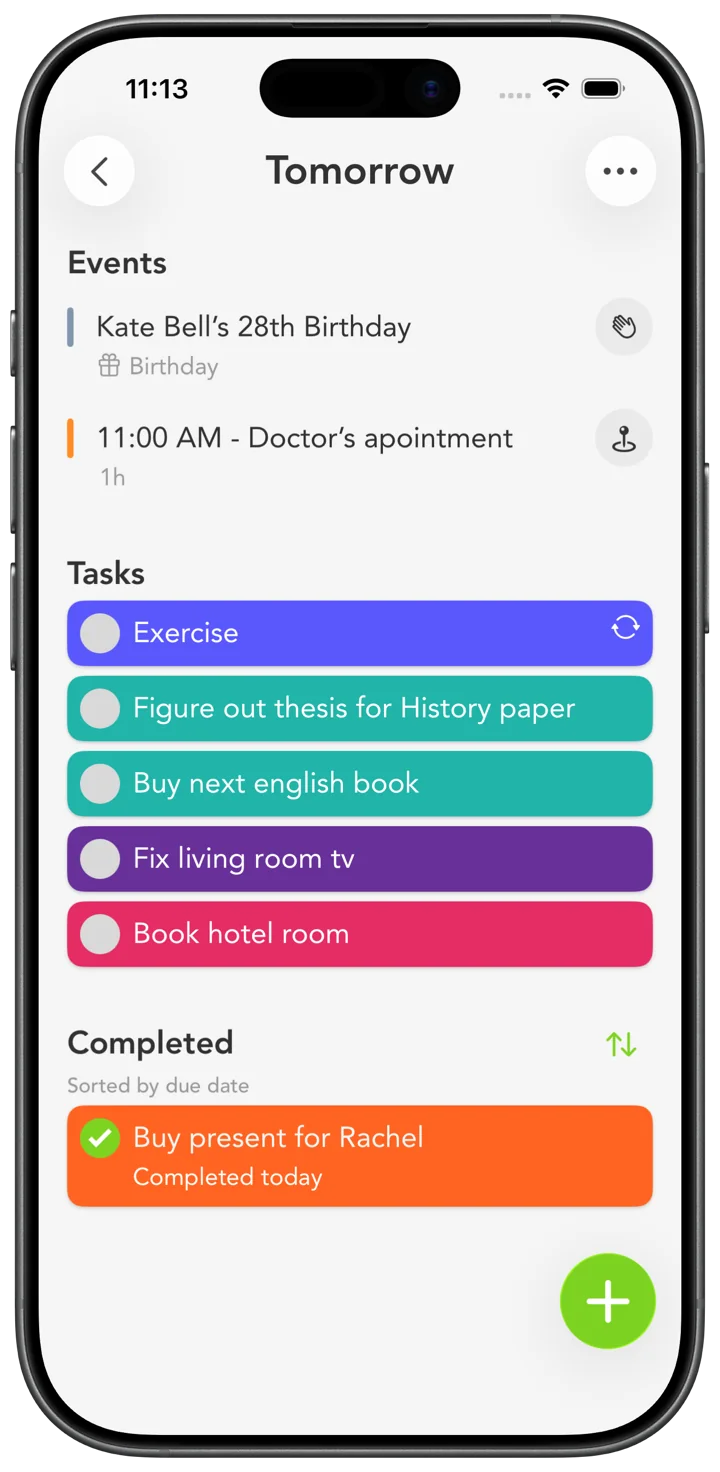
Your Apple Calendar events show up right above the day’s tasks. Fit the errand around the 2 o’clock, not on top of it.
 Smart Tasks
One simple list for everything on your mind.
So you can stop carrying it all around.
iPhone · iPad · Mac · Apple Watch
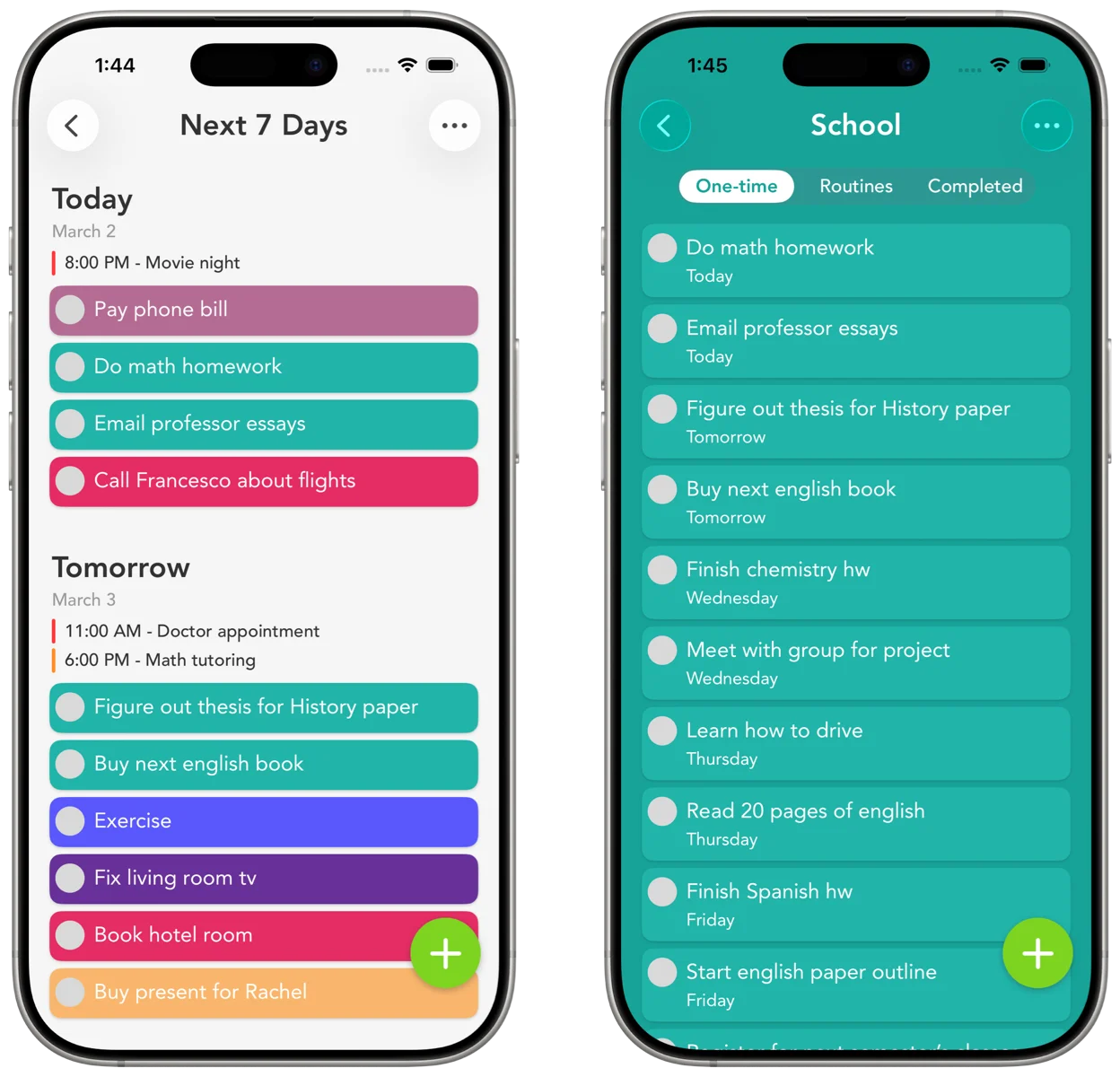
With Smart Tasks, it all feels lighter.
Work in blue. Home in green. You know what’s what before you’ve read a word.
Swipe to explore. Tap to try a color. Use arrow keys to browse, then Enter or Space to choose. Tap the selected color again to return to the default look.
Add everything once. Then only think about today.
Get it all out: the errand, the assignment, the thing for Mom. Give each one a color and a day. No day yet? There’s Whenever.
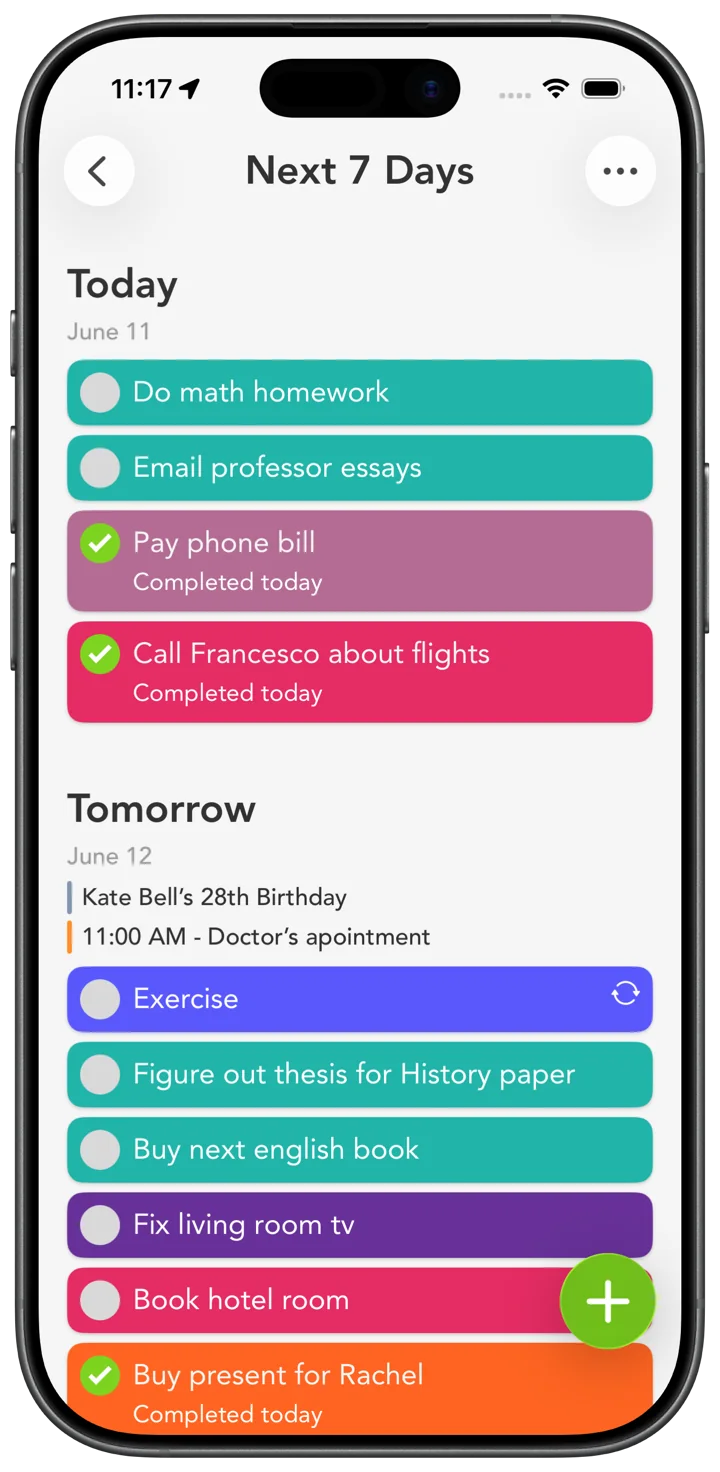
It’s at the top when you open the app, with the rest of the week under it. Next month stays out of your way.
Add it on your iPhone on the way in. Cross it off on your Mac. iCloud keeps both the same.
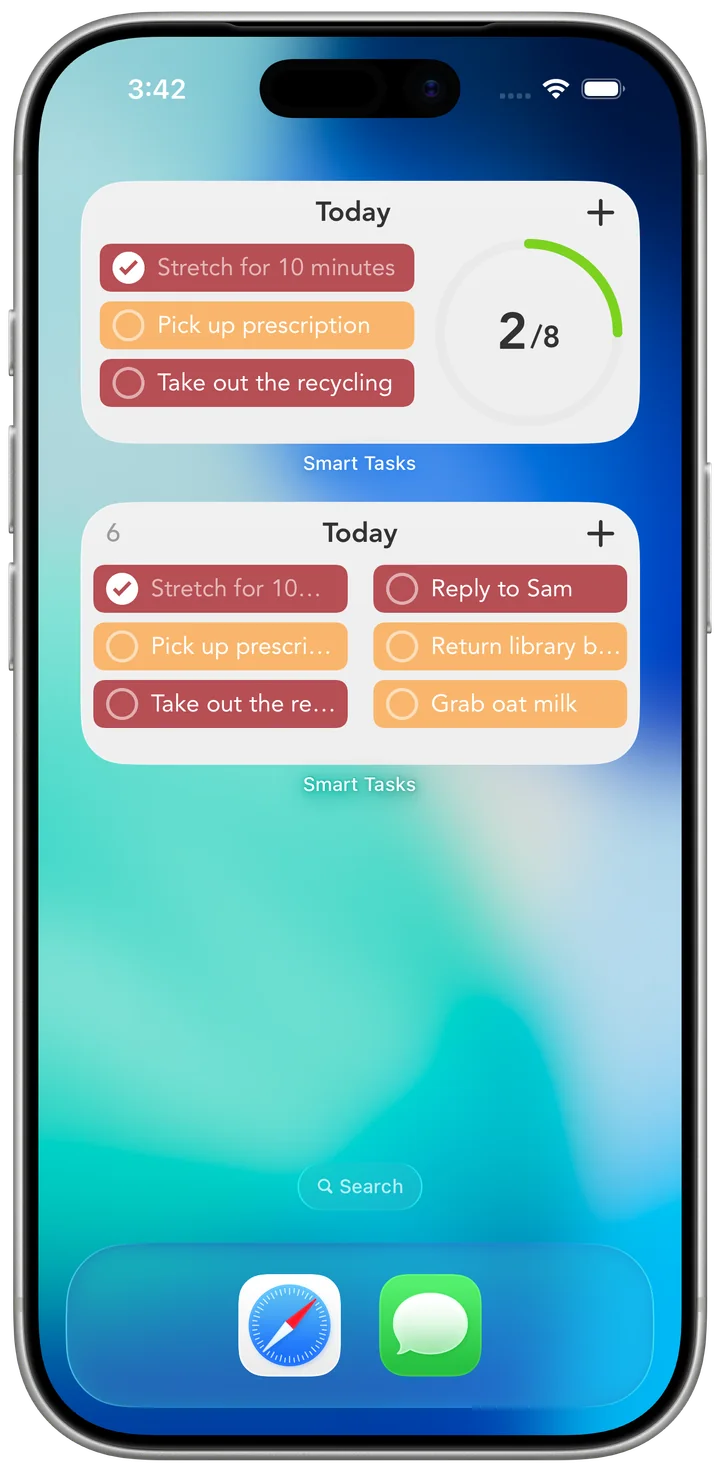
Your tasks on the Home Screen, the Lock Screen, and your wrist. You never have to go looking.
Keep your checked-off tasks in view, under the day they belonged to. That’s the week you actually had. Give yourself some credit.
Your calendar and your tasks on the same screen.
Your list close at hand, even when the app is closed.
Your Apple Calendar events show up right above the day’s tasks. Fit the errand around the 2 o’clock, not on top of it.
Your tasks, right on your Home Screen. Check one off without opening the app.

A customer’s take
“so much flexibility and somehow
remains simple and intuitive”
App Store review
Read the reviewsA nudge at the right time. One reminder on a task, or a few.
Daily, weekly, monthly, or a few days after you last finished it. Set it once and stop thinking about it.
The address, the link, the gate code. Kept with the task, right where you’ll look for it.
42 built-in colors, or make your own from the spectrum or a favorite photo. A list you like looking at is one you’ll come back to.
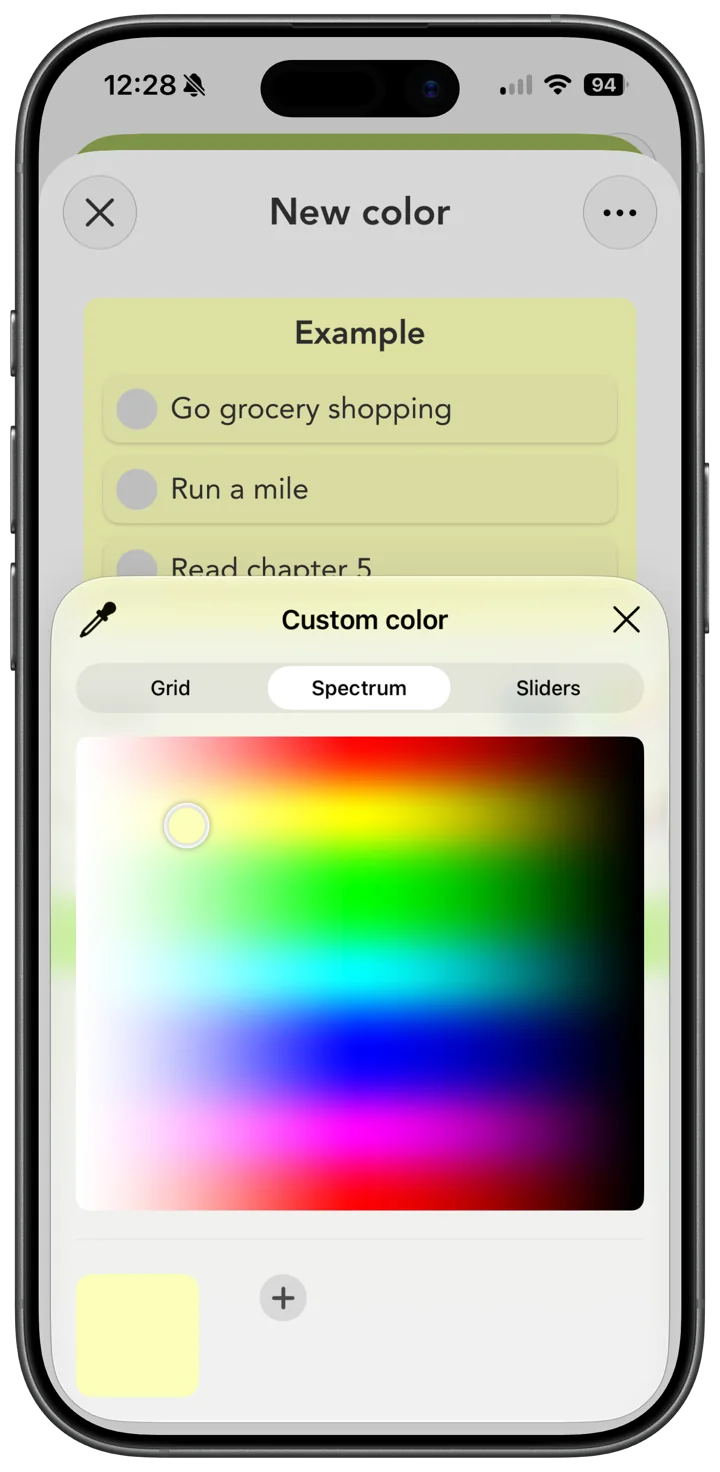
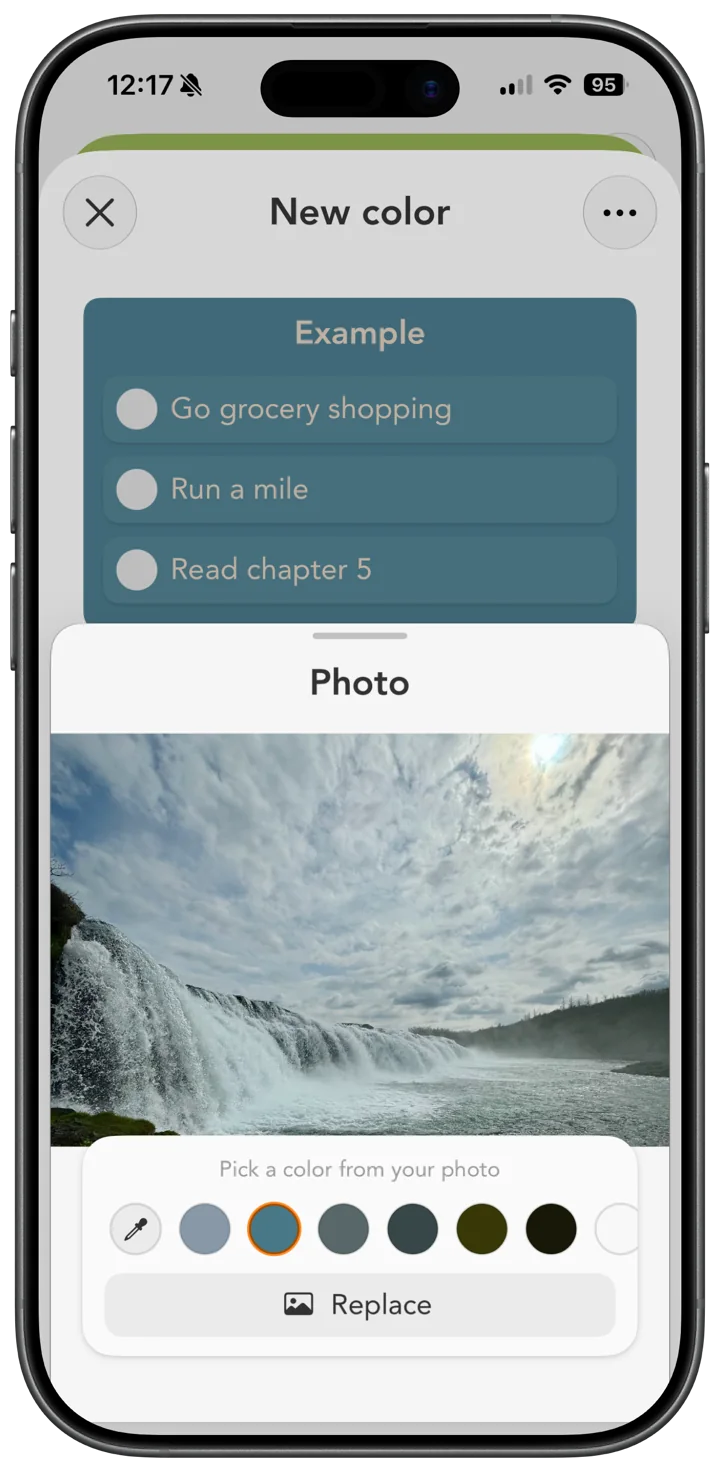
Pick the one that matches your Home Screen.
iPhone · iPad · Mac · Apple Watch
Plan on the big screen, carry it on the small one, and glance at it from your wrist.
With iCloud, it’s the same list everywhere.
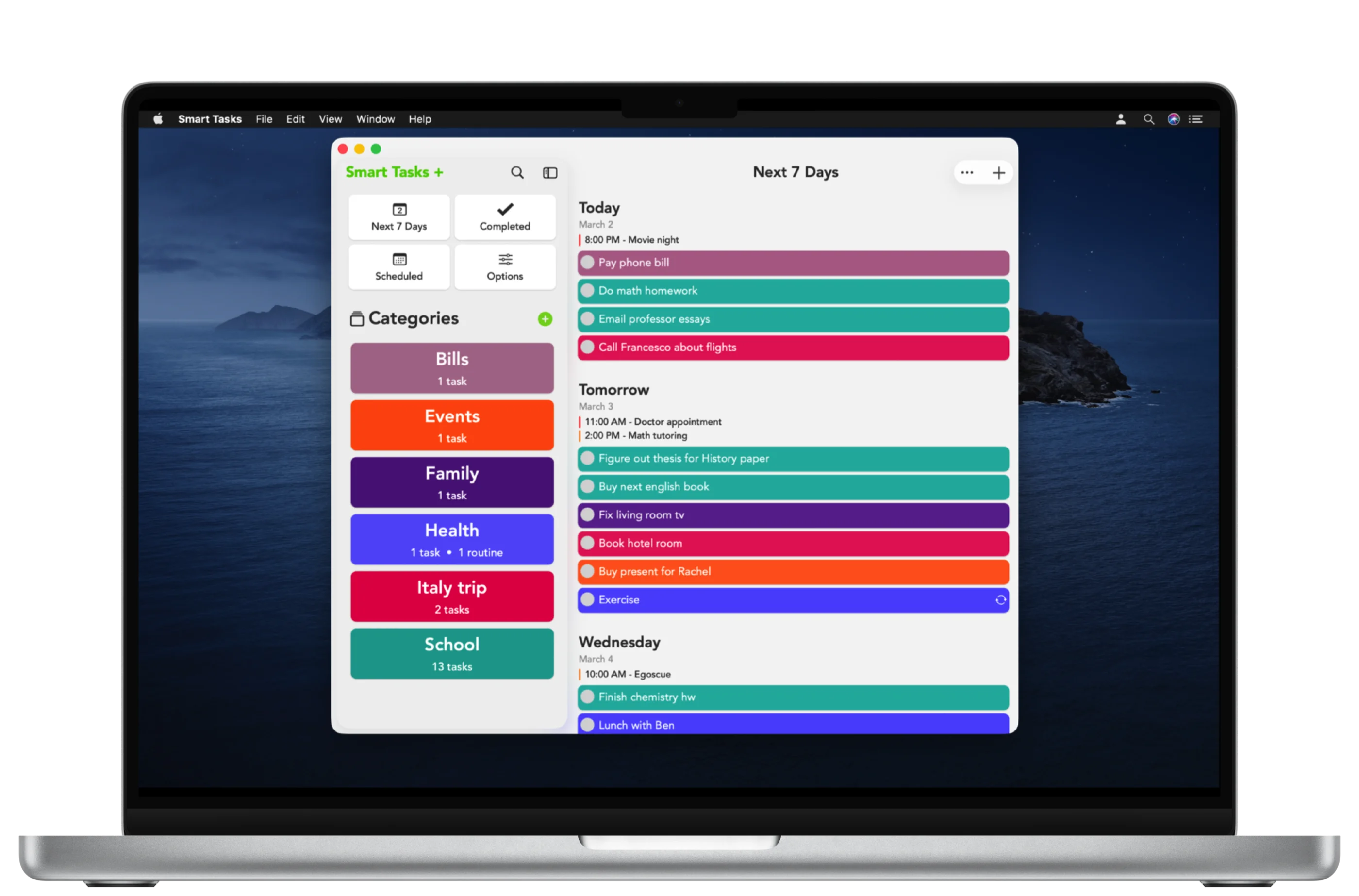
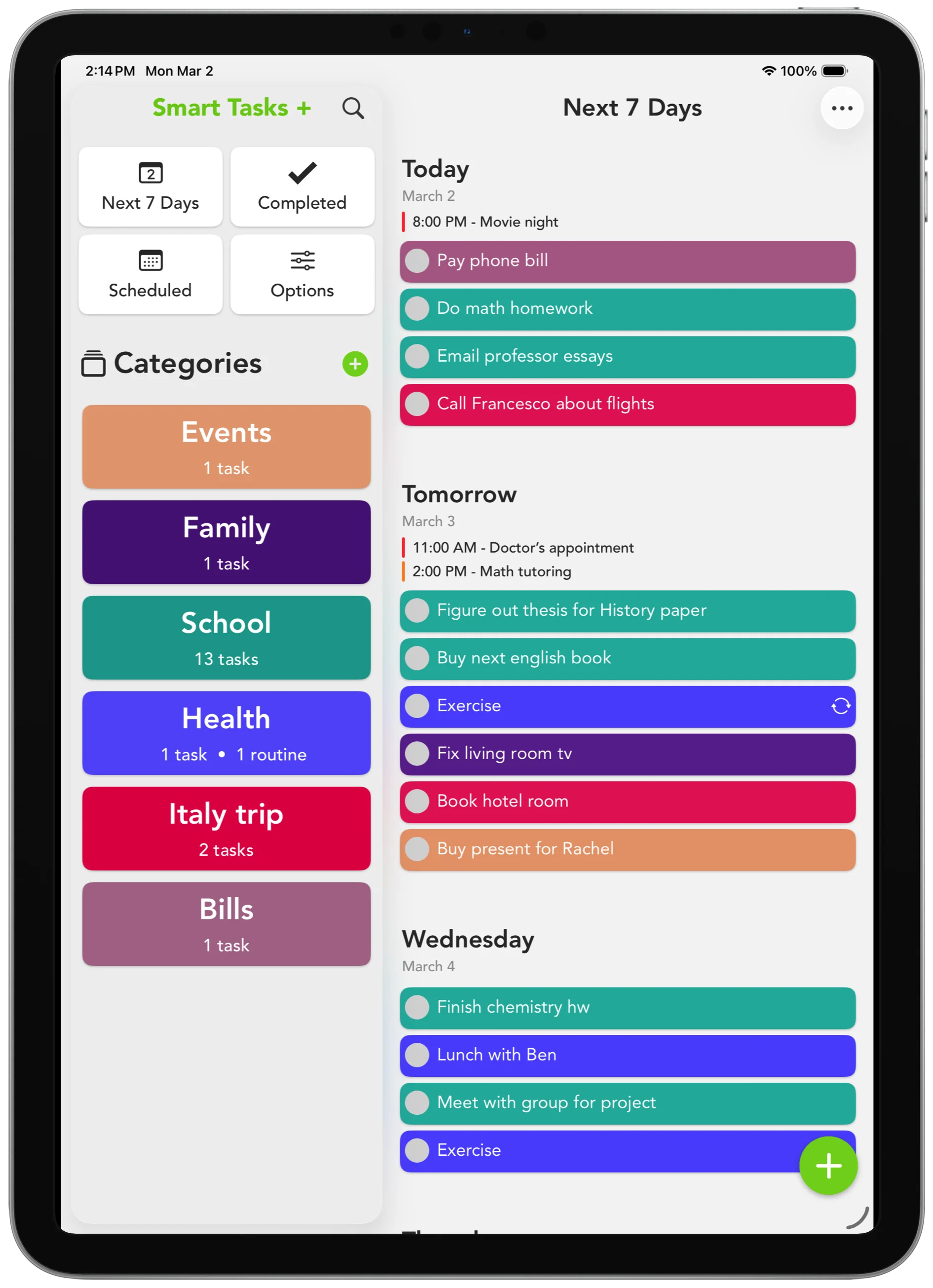
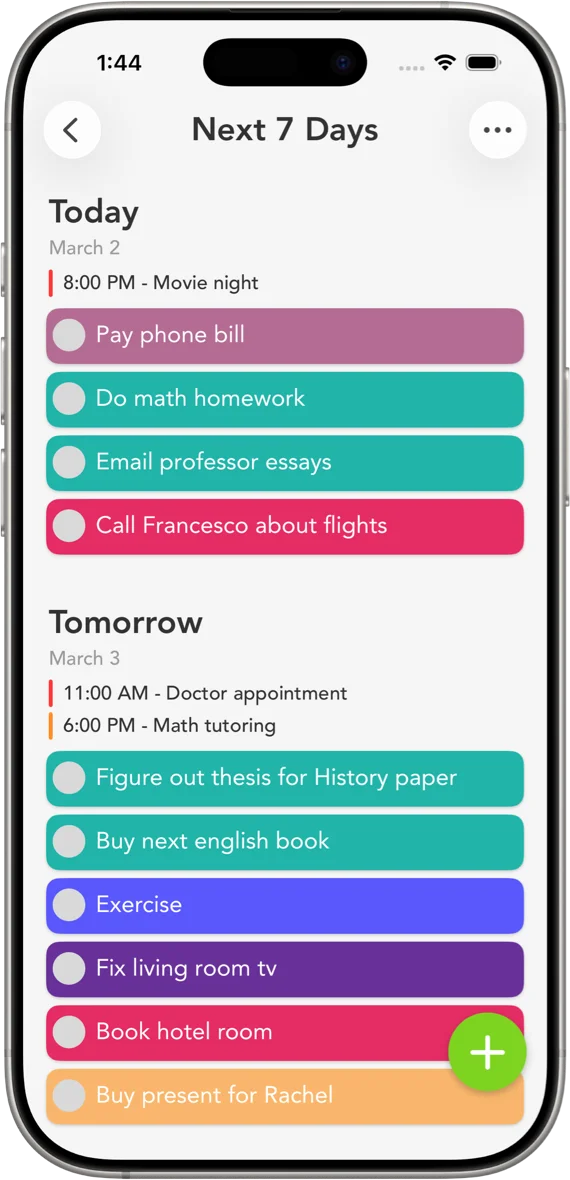
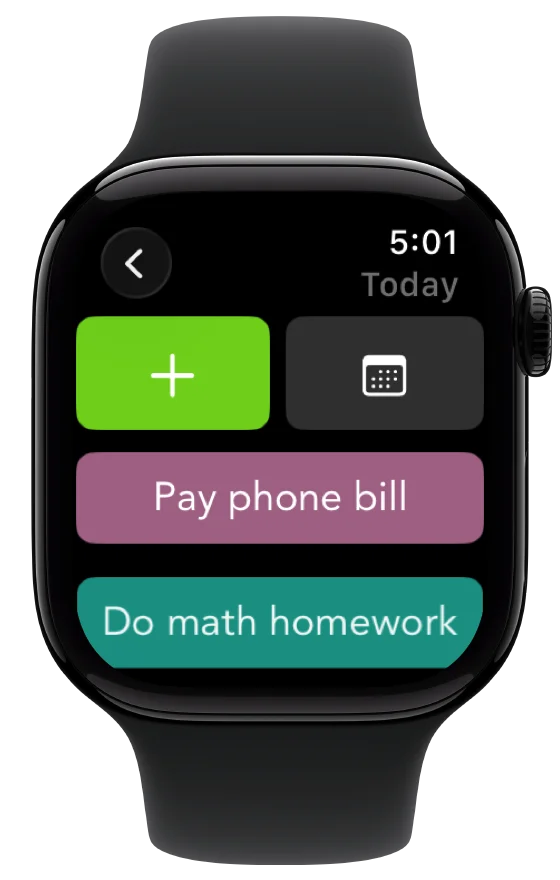
Available worldwide on the App Store, in four languages.
“Organize your entire week in an extremely easy way.”
9to5Mac“Reminders turned up to 11.”
iMore“See what tasks you have one week at a time.”
The Mac Observer“Easily plan your week ahead.”
Business TimesOn the student study-tool lists at Columbia University and the University of New Hampshire.
Write it down. Give it a color. Get on with your day.
Download on the App StoreFree to download and use. No account required.
Tasks, color-coded categories, Next 7 Days, widgets, calendar events, Siri and Shortcuts. No account required.
Unlimited categories, reminders, routines, notes, iCloud sync, custom swipe actions, and more.
Smart Tasks+ is optional. One subscription works across your devices on the same Apple ID.
Questions about Smart Tasks+? →
Come say hi.
Tips, updates, and a look at what’s coming next.