Classes. Deadlines.
Everything in between.
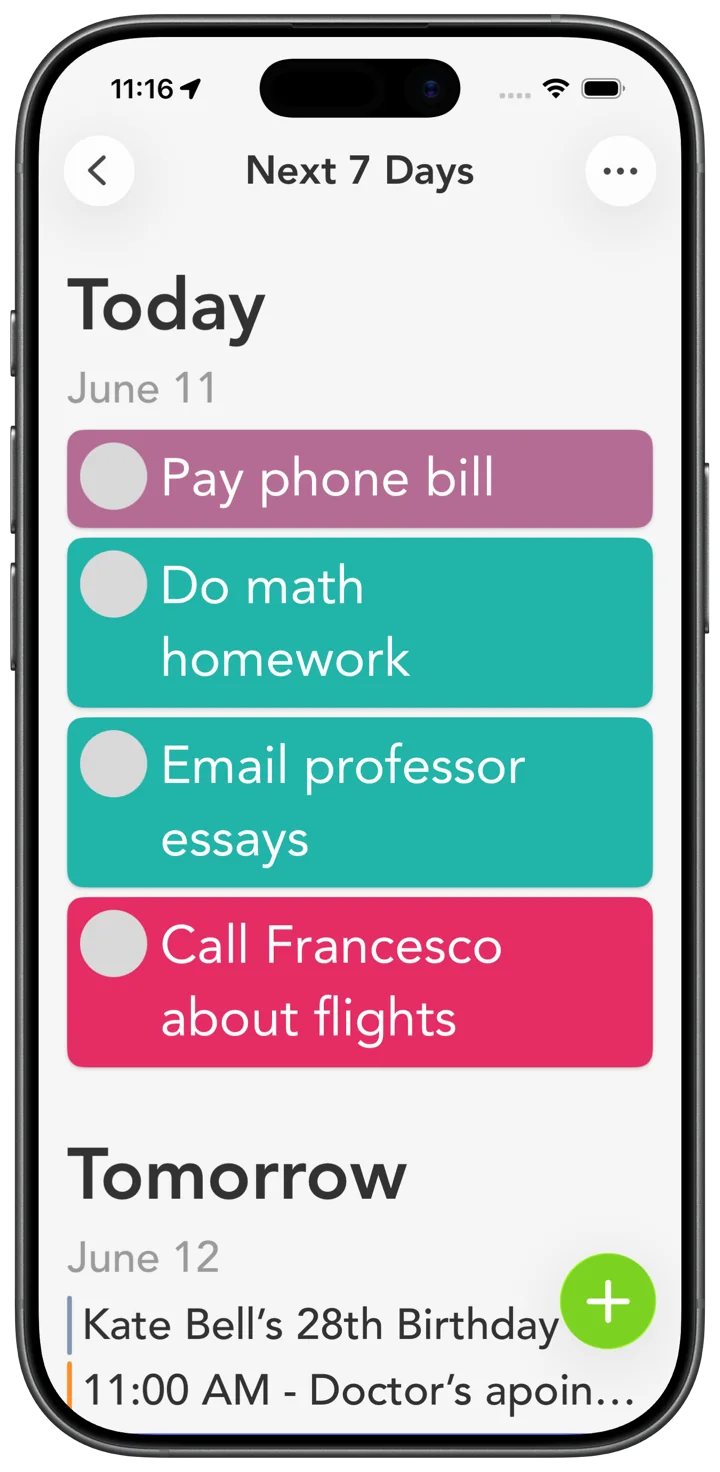
Give each class a color, put assignments in your week, and keep the rest of life in view.
Free to download. No account required. Optional Smart Tasks+.
Check it off from the widget.
Check off an assignment from your Home Screen, without opening the app. Try a sample task below.

One color per class.
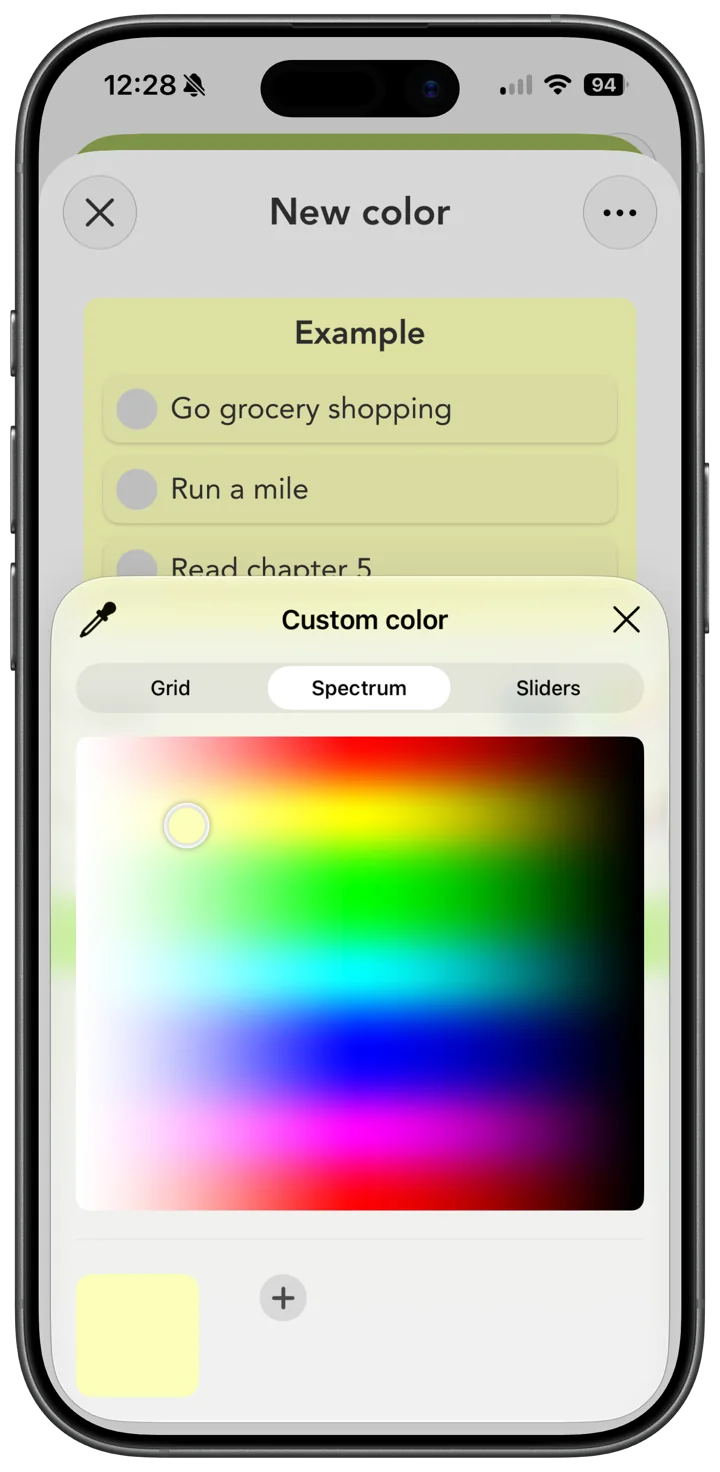
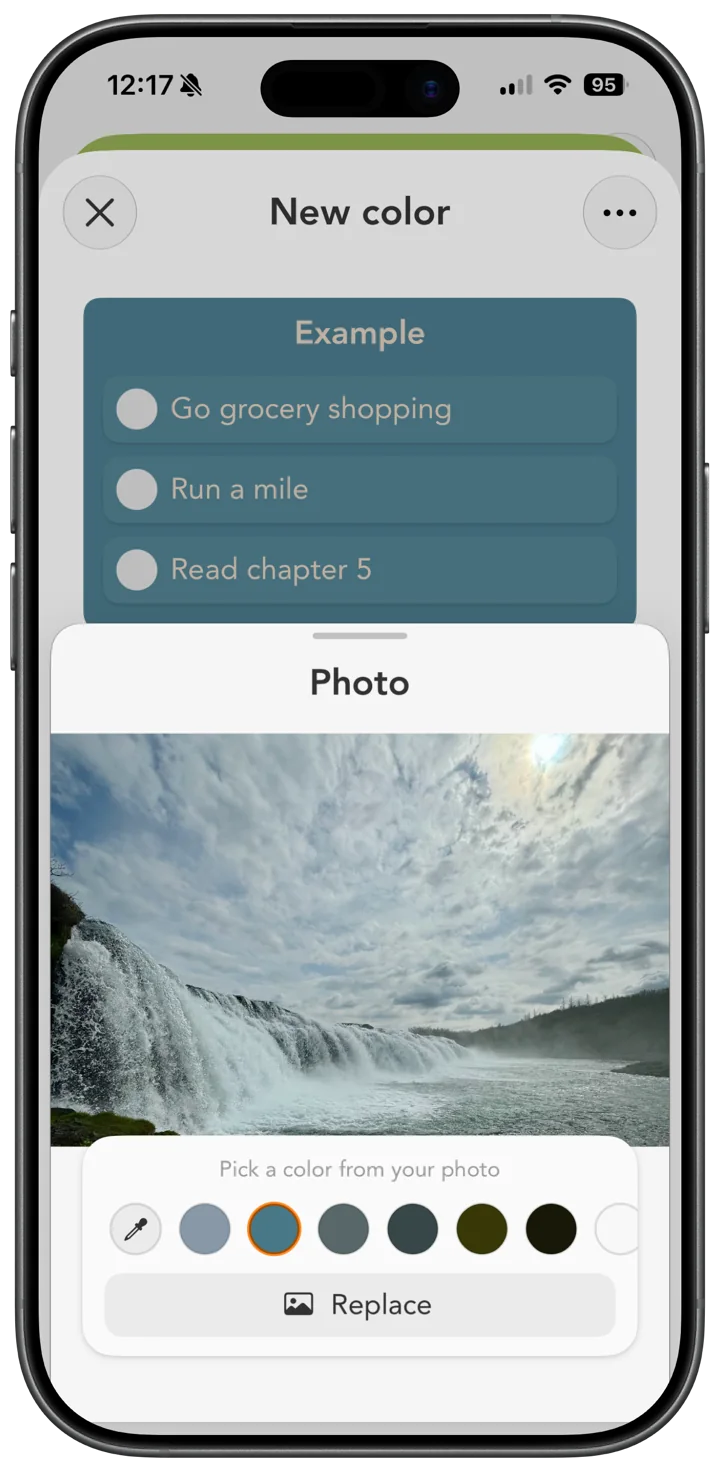
Choose from 42 curated colors, or make your own from a favorite photo. Give each class a color you’ll recognize.
Capture colors from any photo, and the best shades are suggested for you
Use the color dropper to grab one exact shade, down to the pixel
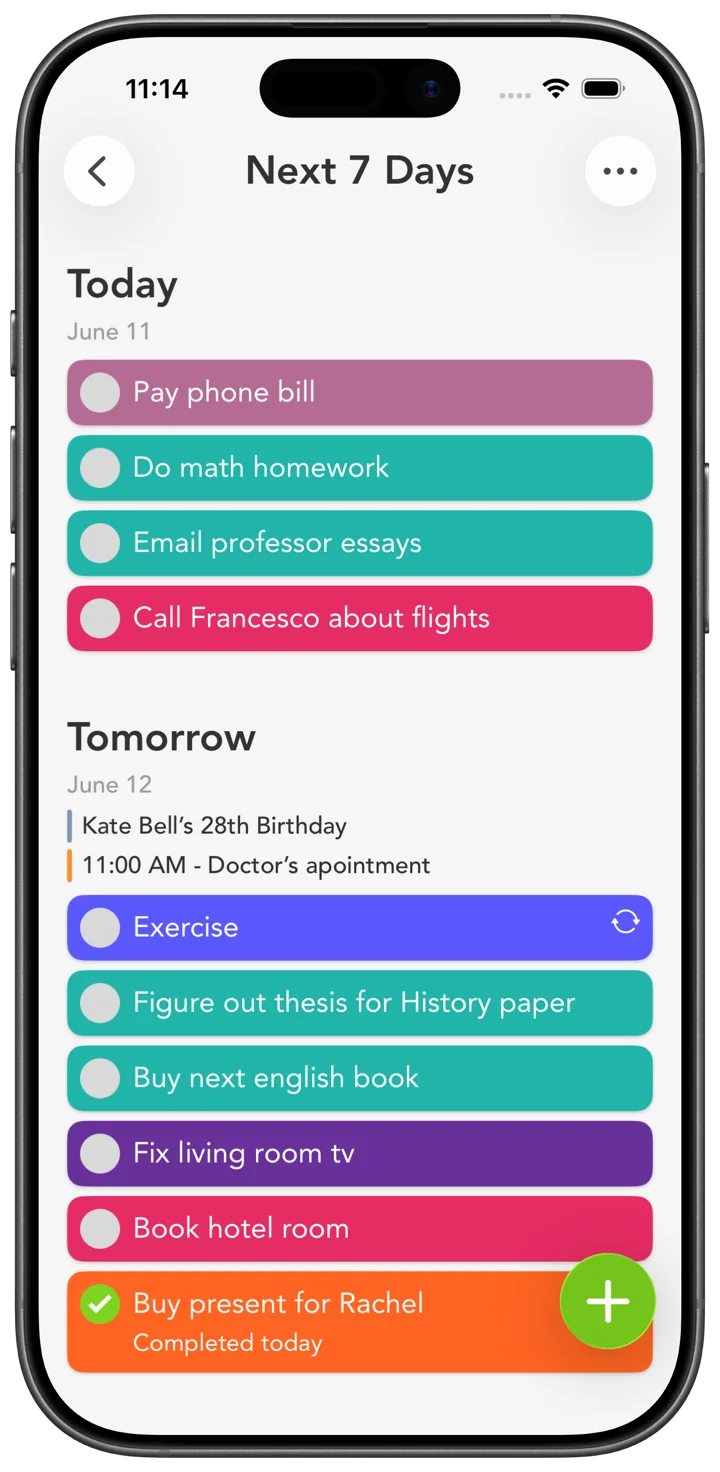
One color per class. Biology blue, History orange. Your whole week reads at a single look
Events and tasks, all in one place.
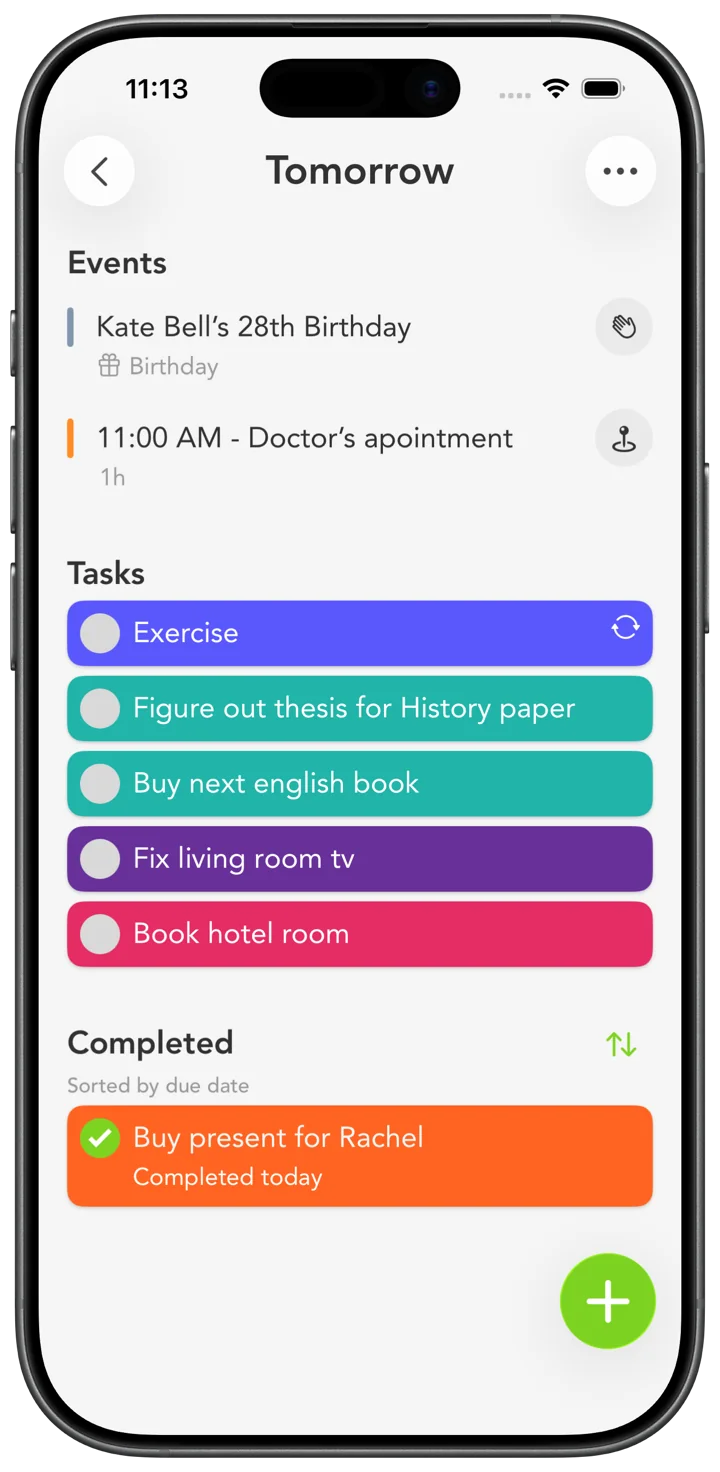
See lectures and work shifts beside your assignments. Connect Google or Outlook to Apple Calendar, and their events can appear here too.
Lectures, assignments, club meetings, and work shifts share one screen
One tap opens a lecture link right inside the app
Birthday on the calendar? Text, call, or FaceTime right from the event
Reads the way you read.
Choose the text size that’s comfortable for you. Smart Tasks follows your device’s Dynamic Type setting.
Already on the study tools list.
Columbia University and the University of New Hampshire both list Smart Tasks as a study tool for students.
- Columbia University
- Study tools & resources →
- University of New Hampshire
- Time-management resources →
Built by one person who listens.
I’m Francesco, and I make Smart Tasks. Many of these features began as student requests. If you have an idea, I'd love to hear it.
Pick a color. Make this page yours.
These are the exact colors you'll find inside the app. Tap one and watch the whole page follow your vibe.
Swipe to explore. Tap to try a color. Use arrow keys to browse, then Enter or Space to choose.
Make room for more than coursework.
Start with your next assignment. Build a week you can see.
Download on the App Store