Color you choose, a layout that stays out of the way, and an app you'll want to open. Smart Tasks makes organizing feel a little less like a chore.
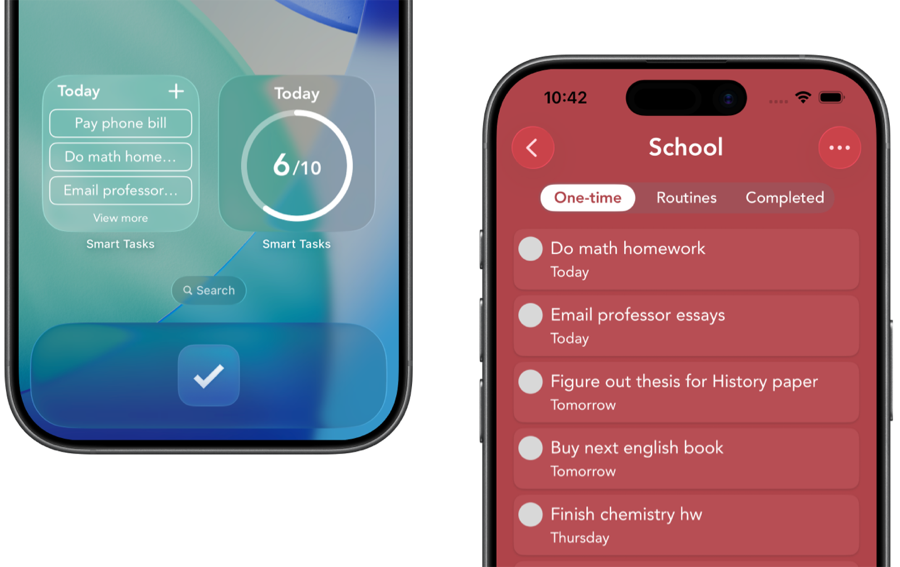
Smart Tasks is a simple, aesthetic to-do list for iPhone, iPad, Mac, and Apple Watch. It gives every category one of 41 built-in colors, or a custom color you make, and keeps the layout clean and minimal. You can set the app's own color, pull a shade straight from a photo, and even swap the app icon. Reviewers keep landing on the same three words: simple, colorful, beautiful. It's free.
Looks aren't a vanity feature for a to-do list. They're the difference between an app you check and an app you avoid. If opening your tasks feels like opening a spreadsheet, you'll find reasons not to. If it feels calm and a little bit yours, you come back.
That's the whole bet behind Smart Tasks. Color isn't decoration, it's how the app stays organized without menus and labels. Your eye lands on the green list and knows it's groceries. The layout stays quiet so your tasks are the loudest thing on the screen. And because you choose the colors, the app starts to feel like yours instead of someone else's tool.
Your color system
How to build a color system you'll love
A good color setup takes a few minutes and pays off every day after. Here's an easy way in.
1. Start with the built-in palette
There are 41 hand-picked colors ready to go, chosen to look good together. Give each part of your life one of them: a calm blue for work, a warm orange for home, a soft green for health.
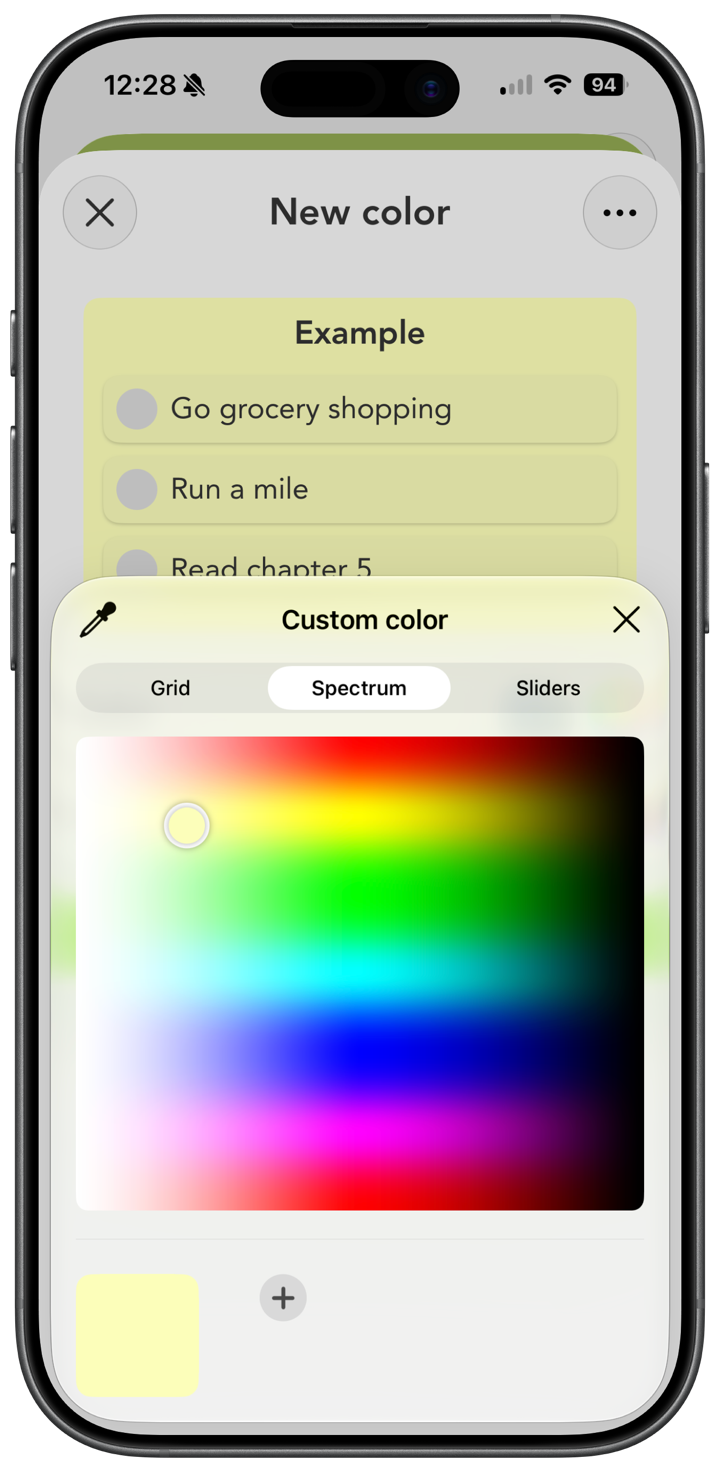
2. Make a custom color when you want something exact
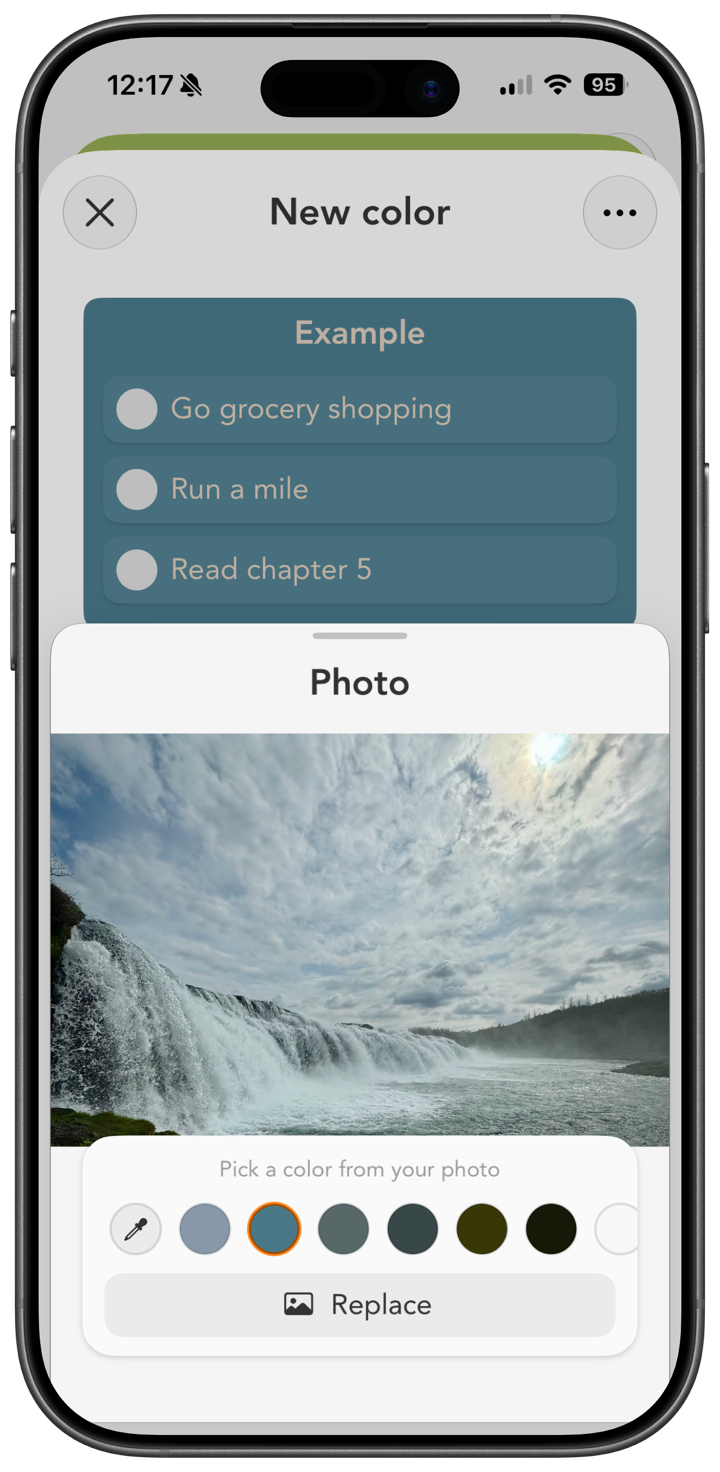
If a built-in shade isn't quite right, make your own. You can even pull colors from a photo or screenshot, and Smart Tasks suggests the strongest shades it finds. Use the dropper to grab one precise color, or drag an image straight onto the color row. Match your wallpaper, your brand, or whatever look you're after.
3. Set the text color too
Each category has a main color and a text color, so you can keep things readable and get the exact contrast you like.
4. Repaint the whole app
Change the app's main color and text color in Options, so the buttons, toggles, and accents all match your vibe. On iPhone and iPad you can switch the app icon too. Small touches, but they're what make it feel like home.
Curious how it feels? Tap a color at the bottom of this page and watch the whole site repaint, the same way the app does.
Simple on purpose
Minimalist, because less is the point
Plenty of task apps keep adding panels, fields, and filters until the app itself becomes the project. Smart Tasks goes the other way. No account, no nested projects, no clutter. The main screen shows your week one day at a time, you add a task in a tap, and color does the sorting.
It's made for personal task management, not heavy project management. If you've ever opened a to-do app and felt it was more app than you needed, this is the calmer version. As one reviewer put it, "powerful, easy, and beautiful."
Common questions
The aesthetic, answered
Smart Tasks is a popular aesthetic to-do list app for iPhone, iPad, Mac, and Apple Watch. It gives every category one of 41 built-in colors or a custom color you make, keeps the layout clean and minimal, and lets you set the app's own color and even change the app icon. Reviewers often call it simple, colorful, and beautiful. It's free to download.
Yes. There are 41 built-in colors, and you can make your own too. You can pull a color from a photo or screenshot, use a dropper to grab one exact shade, and set both the category color and its text color. You can also change the app's main color, and on iPhone and iPad, the app icon.
It does less on purpose. No account, no project hierarchy, no clutter. The main screen shows your week one day at a time, you add a task in a tap, and color carries the organization so you're not buried in menus. It's built for personal tasks, not heavy project management.
Yes. Smart Tasks is free to download and use with core features, including the built-in colors and custom colors. An optional Smart Tasks+ subscription adds iCloud sync, reminders, routines, notes, and custom app icon colors across all your Apple devices on the same Apple ID.