How to plan your week in Smart Tasks
Weekly planning works best when it's quick enough to actually do every week. Here's a routine that takes about five minutes, on a Sunday night or a Monday morning, whichever fits.
1. Brain-dump everything first
Open Smart Tasks and add every task on your mind in one sitting. Don't schedule yet, just capture. Getting it all out of your head and onto the list is the part that brings the calm.
2. Spread the tasks across the week
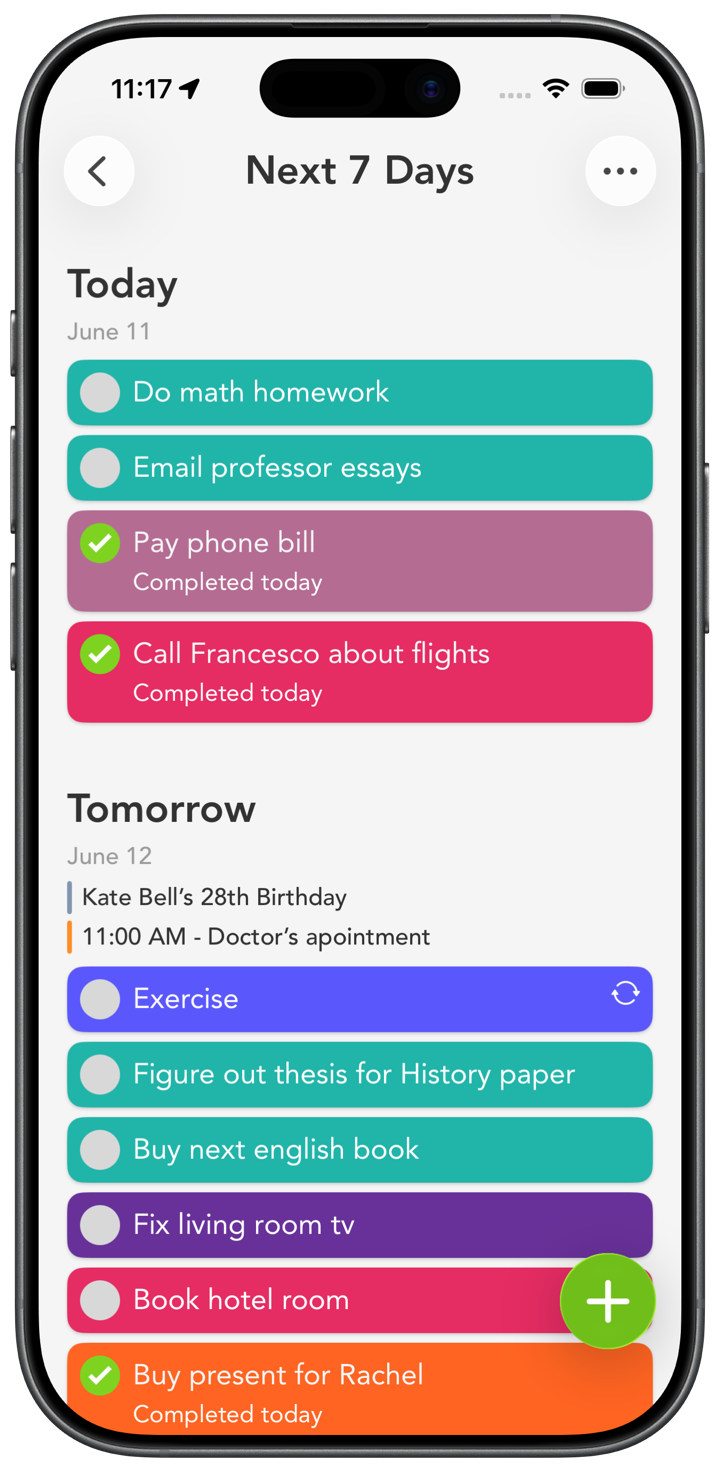
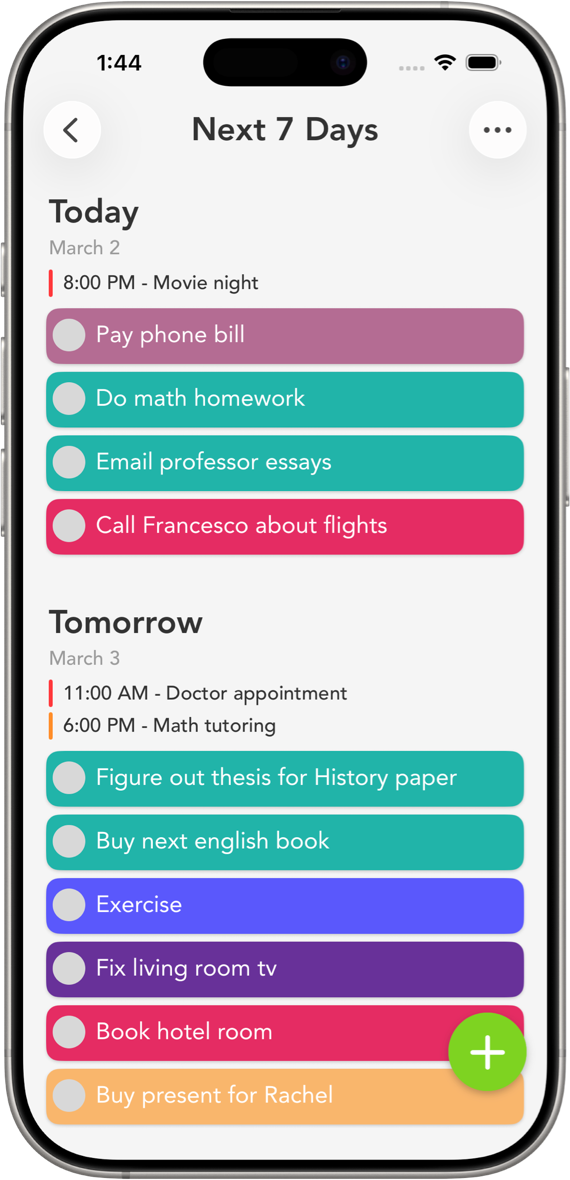
Now drag each task onto a real day in Next 7 Days. Be honest about how much fits. If a day looks overloaded, move a couple of tasks to a lighter one. A week you can finish beats an ambitious one you can't.
3. Give each category a color
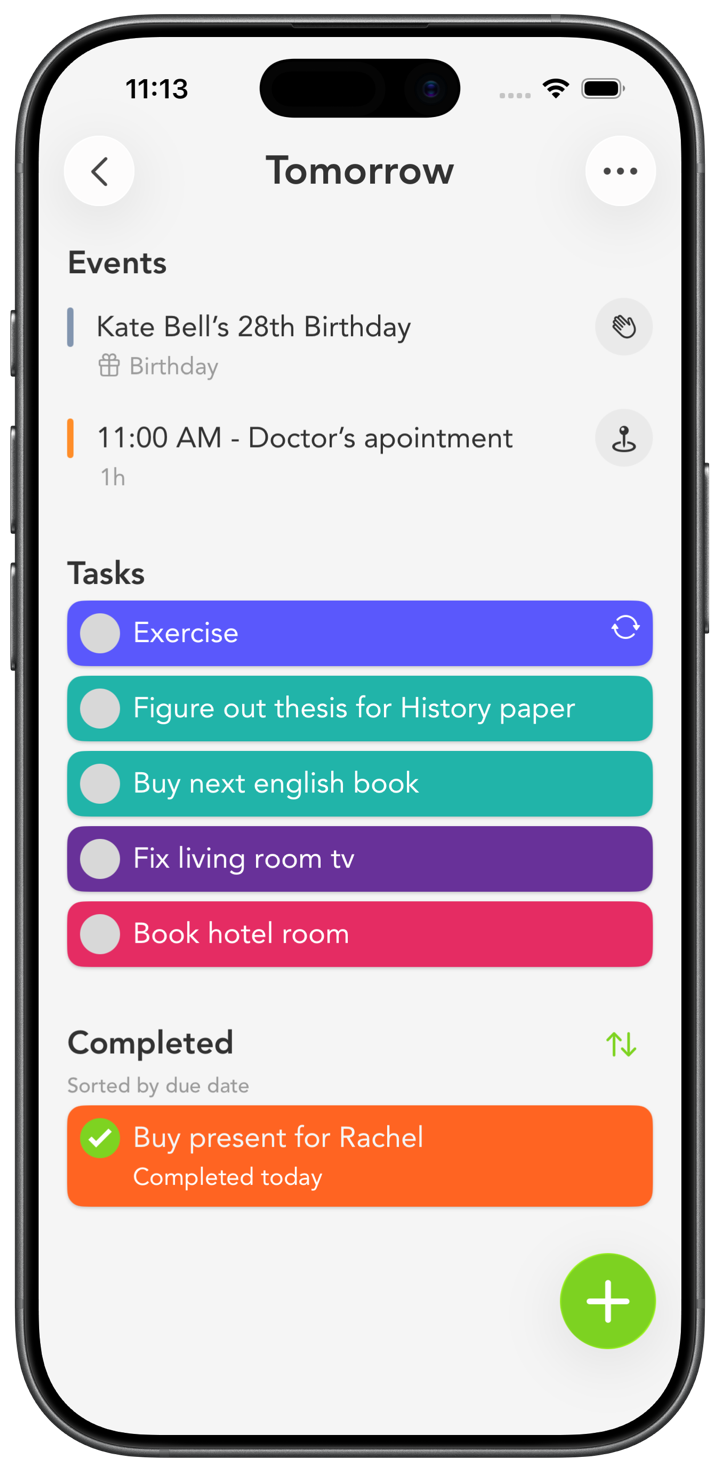
Assign a color to work, home, errands, health. Once the week is colored in, one look tells you whether tomorrow is a heavy work day or a chore day, before you read a thing.
4. Bring in your calendar
Turn on calendar events so your meetings and appointments sit right next to your tasks. Planning around your real schedule is how you stop stacking to-dos on top of a day that's already full.
5. Set the repeating things as routines
Anything that happens every week, like a team check-in, laundry, or a workout, can be a routine. It shows up on its own, so you never rebuild it from scratch. Routines with a set time sort themselves by time, and you can drag the rest into whatever order you work through them.